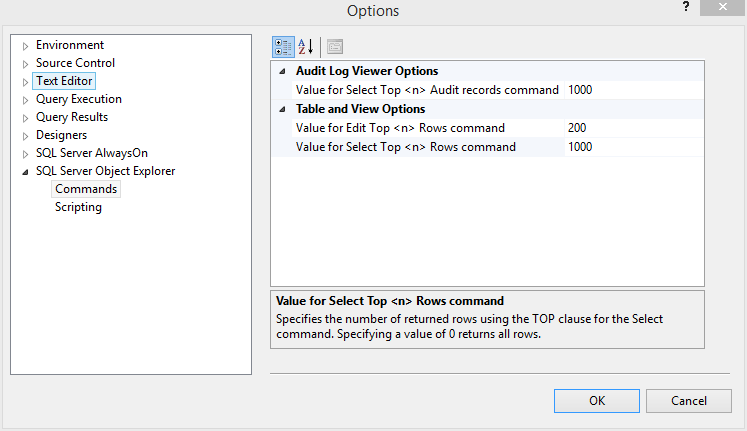
When you right click a table inside Object Explorer, you get the options to “Select top 1000 rows” and “Edit top 200 rows”, among other things. If you want to change the number of rows used in these commands, you can do so by going to “Tools->Options->SQL Server Object Explorer->Commands”.